Features
An all-in-one platform to create, manage, and sell tickets for any type of event.
Event Details

- Display a complete event overview with a great photo and essential event details.
- Showcase the dates/times and venue info in a clear, organized layout.
- Provide an interactive map and location details to help attendees find the event easily.
- Highlight judging rules, voting information, and participation guidelines for competitors and guests.
- Present ticket options, pricing, and registration details directly on the event page.
- Connect attendees with social media links and event updates to boost engagement and promotion.

Info Cards
- Present professional participant info cards that highlight each particpant.
- Display participant names, descriptions, and competition classes in a clean, easy-to-read format.
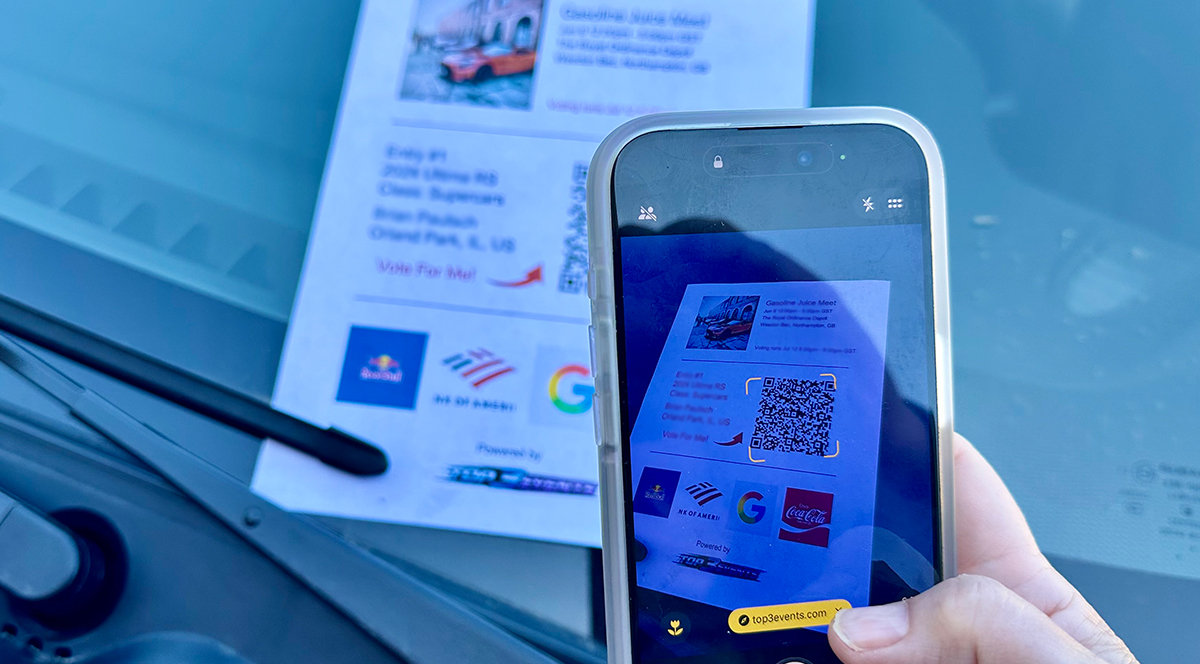
- Make guest voting super easy with QR Scans that can be scanned to record their votes.
- Feature sponsor logos directly on participant cards to increase sponsor visibility and recognition.


Online Registration
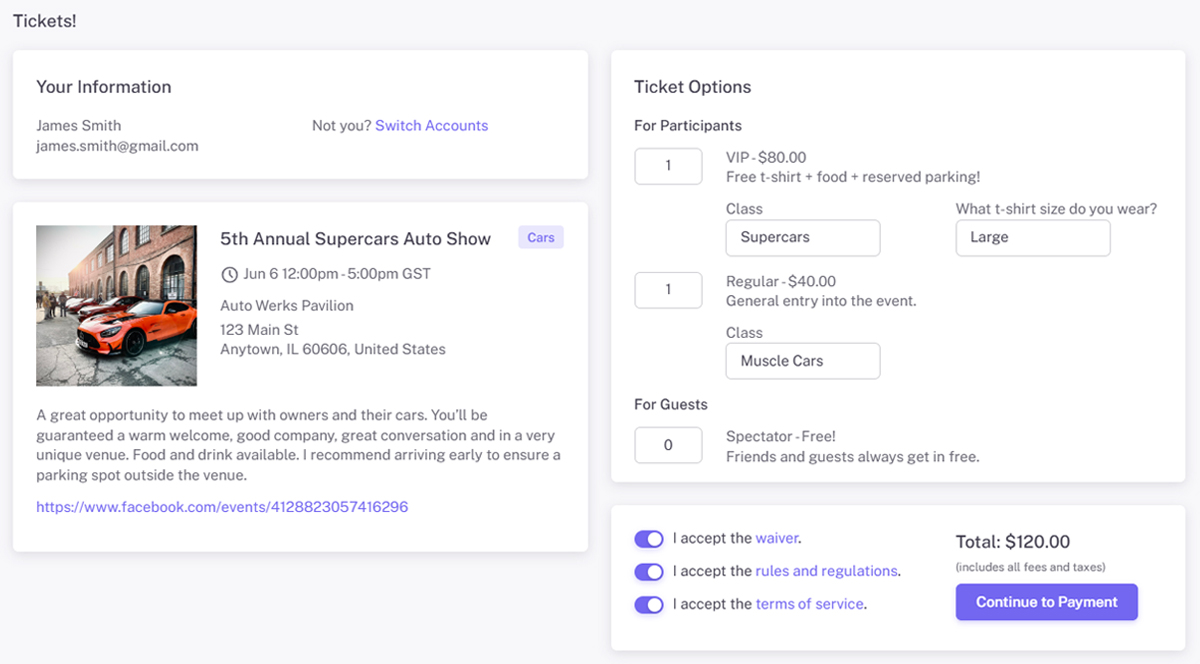
- Tickets can be free, paid, or a donation.
- Set up early bird pricing vs regular pricing based on dates.
- Enter a custom waiver and/or custom rules & regulations.
- Limit # of tickets that can be sold.
- Choose to ask all ticket buyers a question (e.g. t-shirt size).
- You can disable ticket sales or link to another payment service.
Customized Judging
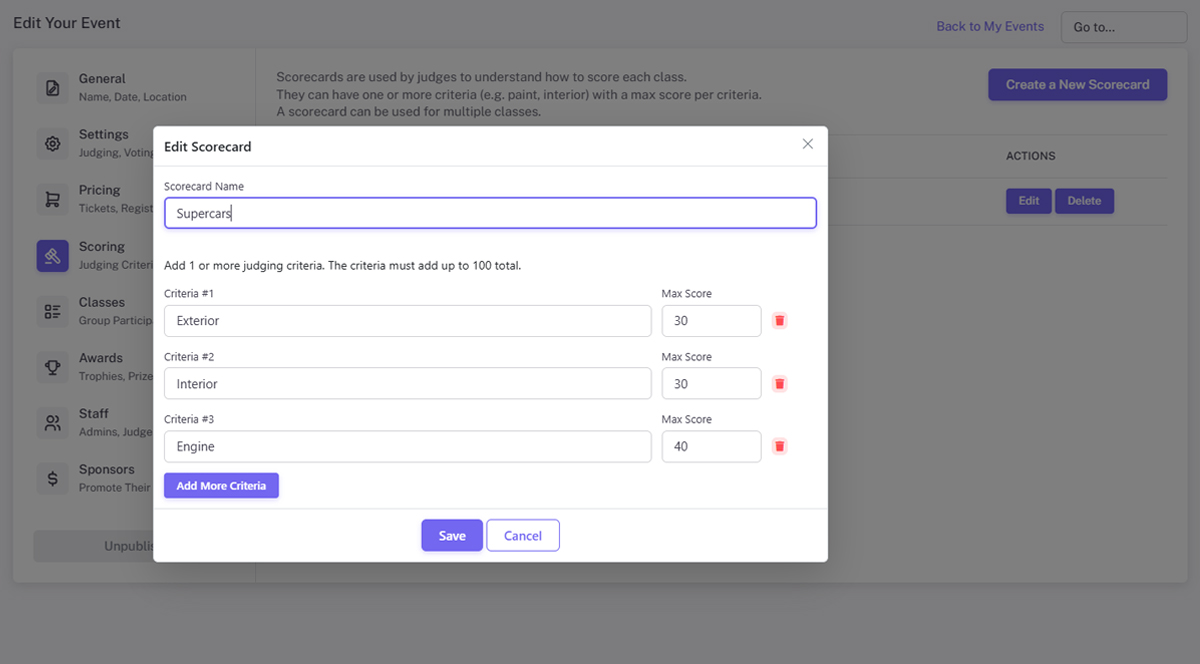
- Create classes to group participants (e.g. Supercars, Vintage).
- Configure judging format, rules, and requirements.
- Setup scoring criteria for each class.
- Allow judges to enter scores & notes real-time online.
- Scores are automatically calculated as judges enter their data.
- You can disable judging if your event doesn't need it.
Guest Voting
- Allow your event visitors to vote via QR Codes. No app required!
- Print participant placards with QR Codes for easy guest voting.
- Choose if guests votes for Best in Class or Best in Show.
- Lock down voting to only guests at the event (e.g. device must be within 1 mile).
- Configure whne voting starts and ends so your team can prepare for awards.
- You can disable guest voting if your event doesn't need it.
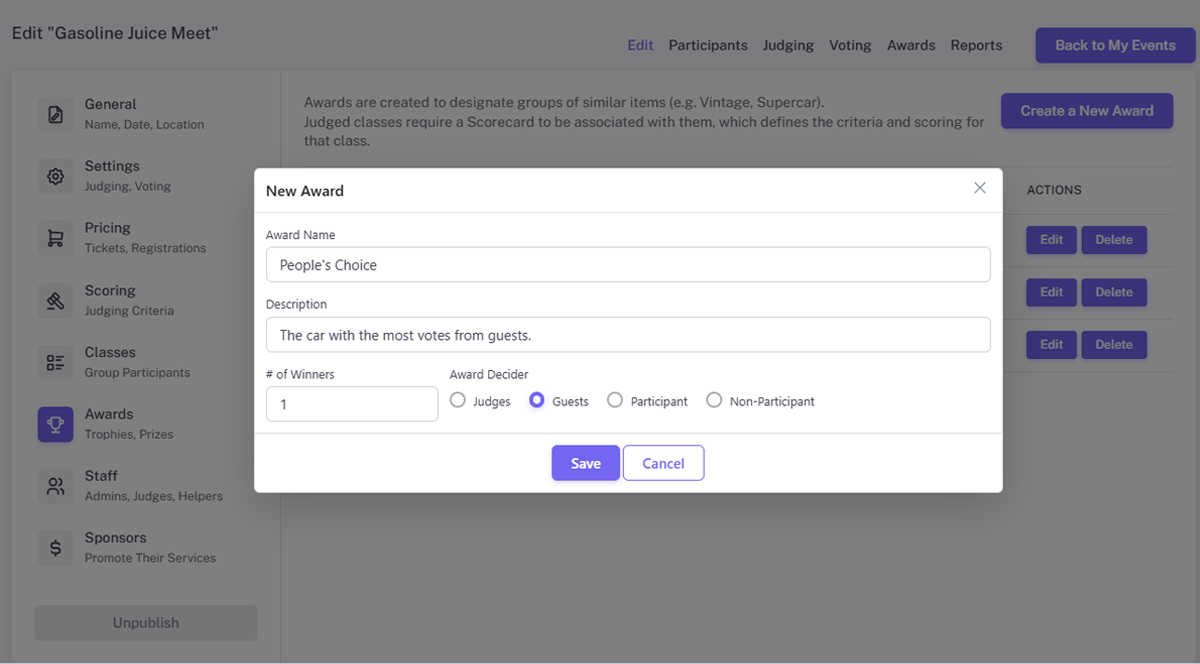
Awards
- Create awards for classes and/or Best in Show.
- Allow 1 or as many winners as you want for each award.
- Choose who decides the winner: judges, guests
- This website will automatically calculate the winners and provide a report.
- You can disable awards if your event doesn't need it.
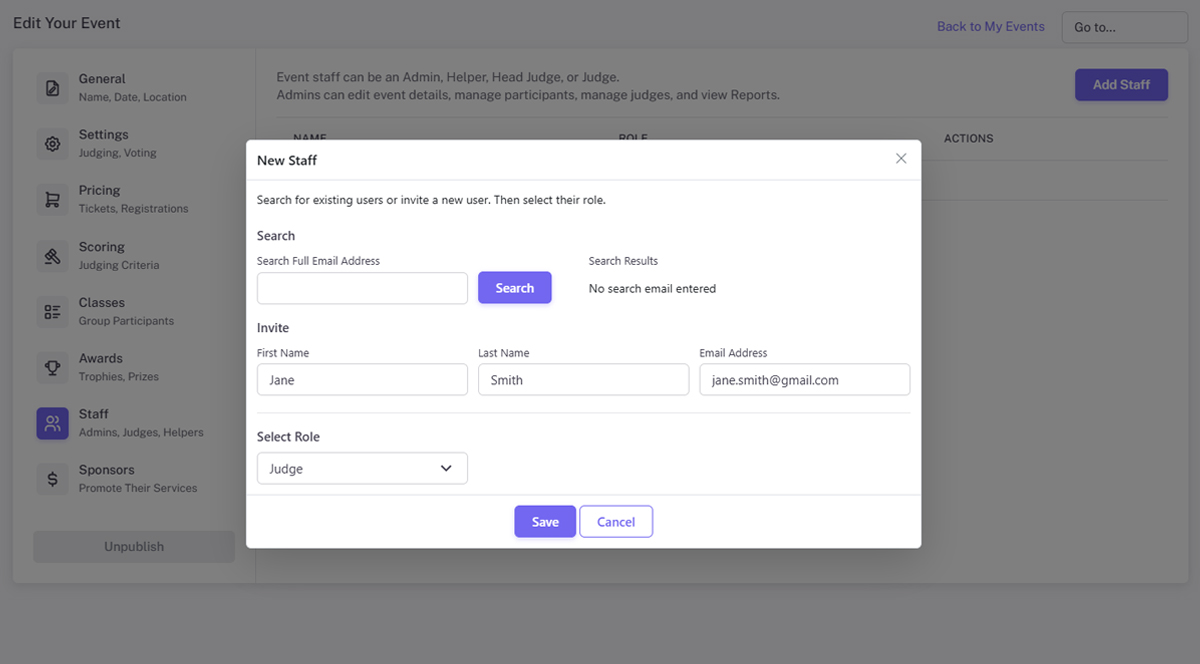
Staffing
- Provide secure access to admins, judges, and event helpers.
- Add admins to help manage the event details and logistics.
- Add judges who will complete scorecards at the event to decide winners.
- Add helpers who have limited access to checking in guests and reports.
Sponsors
- Display sponsors on your event page to acknowledge their support.
- Display sponsors on participant placards to provide more visibility for their brand.
- Raise more money for your event.

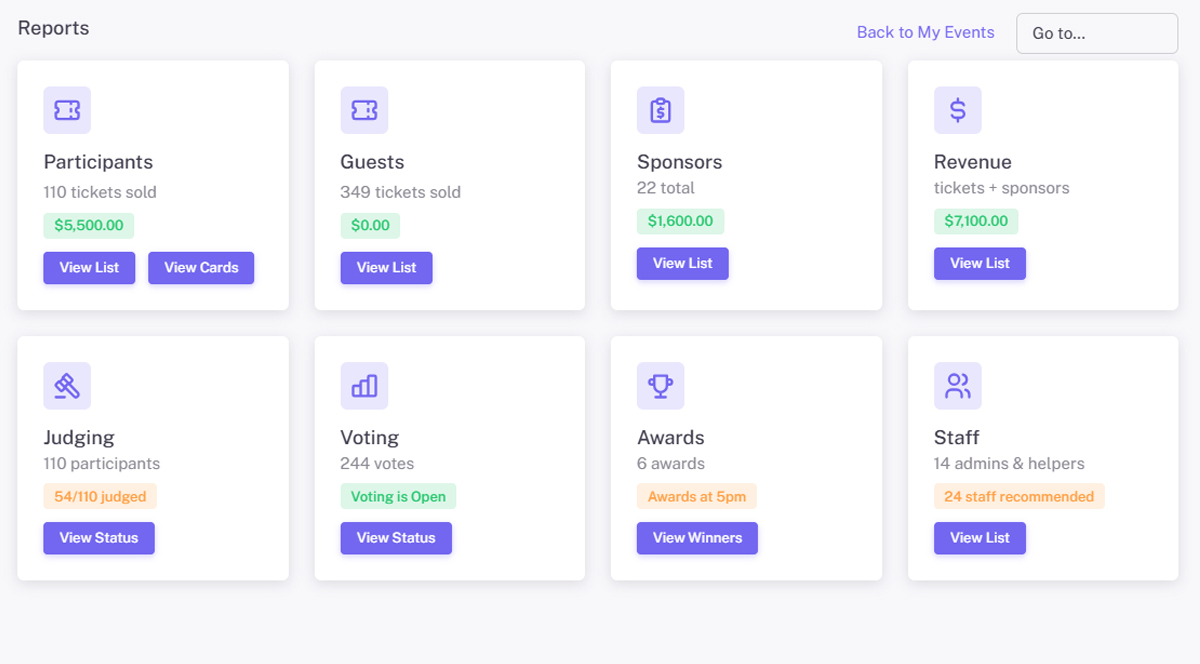
Reports
- View, download, print, or send as an email attachment any report.
- Lists: Participants, guests, & sponsors.
- Financials: Revenue from ticket and sponsor sales.
- Judging: Status of judging, including who needs to be judged and current leaders.
- Voting: Current leaders per class, as well as Best in Show.
- Awards: Current award winners per class, as well as Best in Show.